

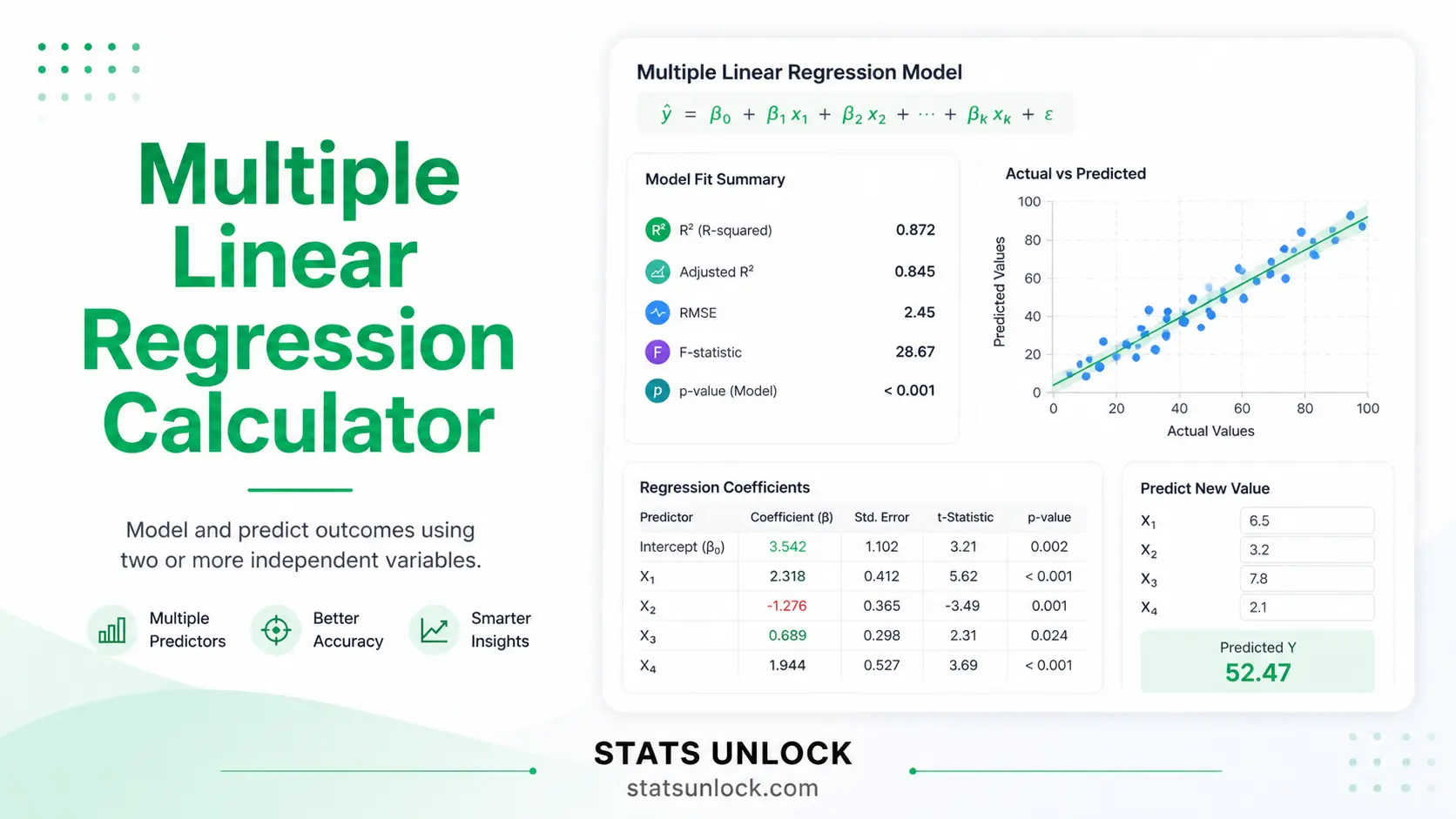

Multiple Linear Regression Calculator
Run multiple linear regression online with multiple predictors — get OLS coefficients, standard errors, t-statistics, p-values, R², adjusted R², F-statistic, VIF (multicollinearity check), confidence intervals, colorful residual diagnostics, and APA-format results in one click.
1 Enter Your Data
Dataset 1 is loaded by default.
95% CI is the default for most research.
📌 Enter values as comma-separated numbers (e.g., 52, 48, 55, 61, 47).
Each predictor must have the same number of values as the outcome (Y).
You can rename each predictor (group name) below.
Upload a .csv, .txt, .xlsx or .xls file.
After upload, mark each column as Predictor (X), Outcome (Y), or Ignore.
You must select exactly one Y and at least one X.
Enter each value separately, one per row, then add more rows. Manual entry uses the same predictor blocks above — switch back to Type Data to add or remove rows by editing the comma-separated list.