

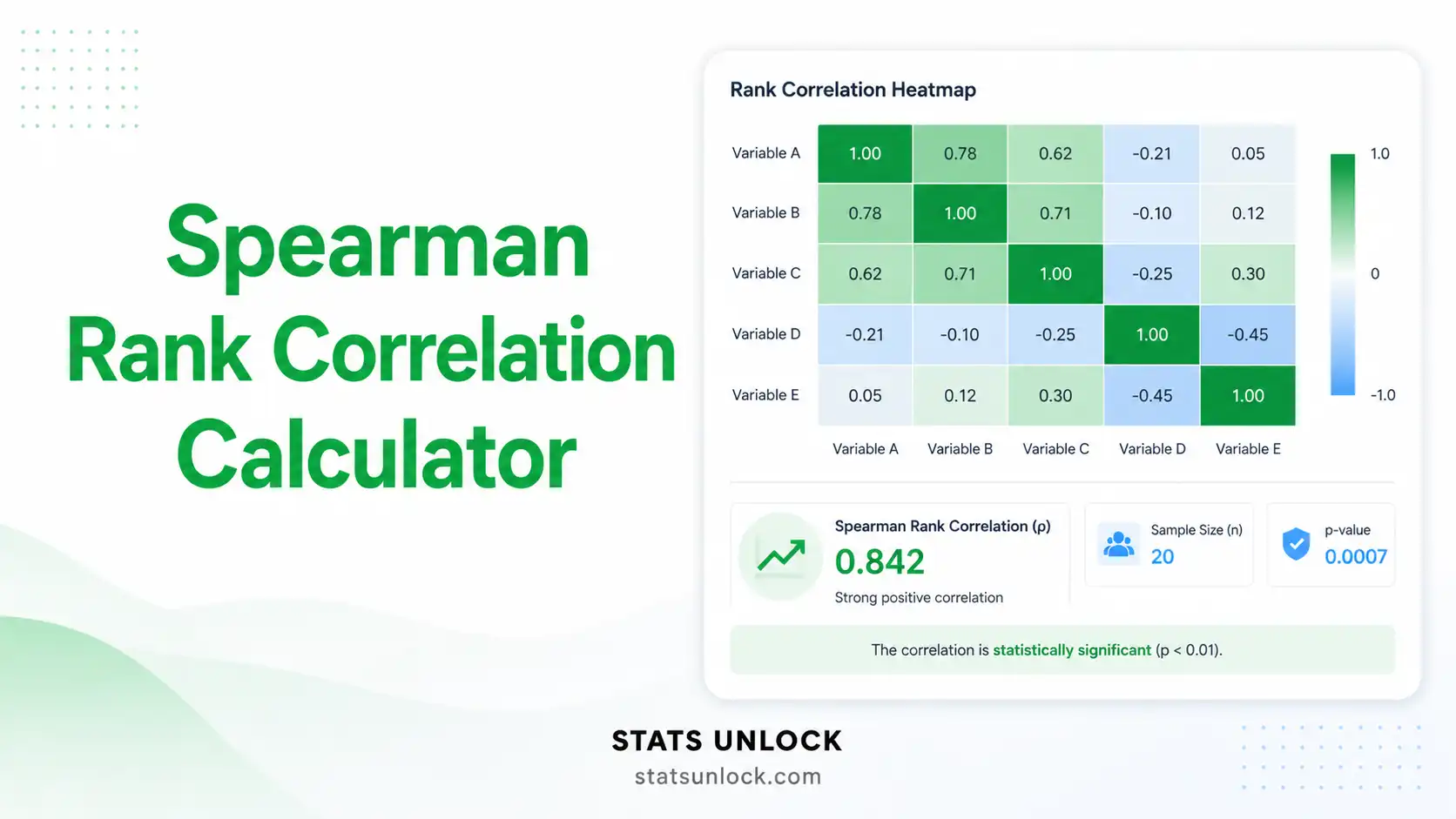

Spearman Rank Correlation Calculator
A free online Spearman rank correlation calculator that computes Spearman's rho, t-statistic, p-value, 95% confidence interval, and effect size from paired data — with publication-ready charts and APA-format reporting in one click.
🧾 Enter Your Paired Data
Type values directly into the table. Use the buttons to add or remove rows.
| # | Variable X | Variable Y | — |
|---|
⚙️ Test Configuration
🧮 Technical Notes & Formulas Used
A. Formulas
B. Technical Notes
- Tie handling: When ties are present this calculator uses Pearson's r applied to midranks — this is the standard tie-corrected formulation and is mathematically identical to the simple 1 − 6Σd²/(n(n²−1)) shortcut when no ties exist.
- Small n caveat: The t-approximation assumes n ≥ 10. With n < 10, results should be checked against exact Spearman tables (Zar, 2010).
- Independence: Each (X, Y) pair must come from an independent observation unit. Violations (clustering, repeated measures) inflate Type I error.
- Monotonicity: Spearman detects monotonic — not necessarily linear — relationships. A perfect U-shape will give ρ near 0.
- Recommended follow-up: If many ties are present, report Kendall's τ-b alongside ρ. For non-monotonic patterns, use distance correlation or mutual information.
🎯 When to Use the Spearman Rank Correlation
This free Spearman rank correlation calculator is designed for researchers, students, and analysts who need to test for a monotonic association between two variables when parametric assumptions (bivariate normality, linearity) are not met. The Spearman test answers the question: "As one variable increases, does the other consistently tend to increase or decrease — regardless of whether the relationship is straight-line?"
✓ Decision Checklist
- ✓ You have two variables measured on at least ordinal scale for each subject (paired data).
- ✓ You suspect a monotonic relationship (one consistently increases / decreases with the other) — not necessarily linear.
- ✓ Your data are not bivariate-normal, contain outliers, or include ranks/ordinal scores.
- ✓ Pairs are independent across subjects.
- ✗ Do not use Spearman if the relationship is strongly non-monotonic (U-shaped, cyclic) — use distance correlation instead.
- ✗ Do not use Spearman for grouped categorical data — use chi-square or Cramér's V.
- ✗ Do not use Spearman with heavy ties on small samples — use Kendall's τ-b.
- ✗ Do not use Spearman to imply causation — it measures association only.
🌍 Real-World Examples
Study time vs exam ranks
Students' study hours are continuous and exam scores are sometimes ranked (top quartile, etc.); Spearman captures the monotonic effort–performance link without assuming linearity.
Tree density vs bird species count
Forest plot data with skewed counts and outliers fit Spearman well — researchers report ρ to test whether higher canopy density is associated with greater avian diversity.
BMI vs resting heart rate
Both variables have heavy tails; Spearman gives a robust estimate of the monotonic risk gradient without being thrown by outliers.
Marketing spend vs sales rank
When a marketing team only has rank-ordered competitor data, Spearman is the standard non-parametric measure of the spend → revenue ranking association.
📐 Sample Size Guidance
- Practical minimum: n = 10 paired observations.
- For stable estimates with a medium effect (ρ ≈ 0.30): n ≥ 30.
- For 80% power to detect ρ = 0.30 at α = 0.05 (two-tailed): n ≈ 84 pairs.
- For 80% power to detect ρ = 0.50 at α = 0.05 (two-tailed): n ≈ 29 pairs.
🌳 Decision Tree — Which Correlation Should I Use?
📘 How to Use This Spearman Rank Correlation Calculator (10 Steps)
1 Enter Your Paired Data
Use any of the three input modes — Paste/Type, Upload, or Manual Entry. Both variables must have the same number of values because each row represents one paired observation.
2 Choose a Sample Dataset (Optional)
Pick from five built-in datasets to learn the tool: study hours vs exam score (education), income vs happiness rank (psychology), tree density vs bird species (ecology), ad spend vs sales rank (business), and BMI vs resting heart rate (medical).
3 Configure Test Settings
Choose α (default 0.05), tail direction (two-tailed unless you have a directional pre-registered hypothesis), p-value method (t-approximation by default), and number of decimals.
4 Run the Analysis
Click Run Spearman Analysis. The tool ranks both variables (with mid-rank tie correction), computes ρ, the t-statistic, the two-tailed p-value, the Fisher-z 95% CI, and effect size benchmarks.
5 Read the Summary Cards
Five colorful cards report ρ, n, t, p, and the Fisher-z CI. Significant results highlight in green, borderline in amber, non-significant in red.
6 Read the Full Results Table
Every statistic appears in a table with a one-line description: ρ, ρ², t, df, p, 95% CI lower/upper, n, ties handling note, and effect-size label.
7 Examine the Two Visualizations
Chart 1 is a colorful scatter of raw X vs Y with a robust LOWESS-style trend line. Chart 2 plots ranks of X vs ranks of Y — when ρ is close to ±1 the points lie on a straight rank line.
8 Check Assumptions
The tool flags ordinal/numeric scale, paired-completeness, monotonicity (rank-residual proxy), and tie-density. Yellow/red badges suggest follow-up tests like Kendall's τ-b.
9 Read the Interpretation
The detailed interpretation translates ρ, p, and CI into plain language and provides 5 ready-to-paste reporting templates (APA, thesis, plain-language, conference abstract, pre-registration).
10 Export Your Results
Click Download Doc for a plain-text report or Download PDF for a print-ready PDF (8 sections + footer branding). Use the Copy Summary link to paste straight into Slack or email.
❓ Frequently Asked Questions
Q1. What is the Spearman rank correlation and when should I use it?
Spearman's rank correlation (ρ or rs) is a non-parametric statistic that measures the strength and direction of a monotonic relationship between two variables. Use it when your data are ordinal, when the relationship is non-linear but monotonic, when there are outliers, or when bivariate normality is not satisfied. A classic ecological example: testing whether tree density and bird species richness move together across forest plots.
Q2. What is a p-value, and how do I interpret it for Spearman correlation?
The p-value is the probability of observing a Spearman ρ as extreme as the one computed if the true correlation were zero. A p-value of 0.03 means there is a 3% chance of seeing this ρ by chance if there were truly no monotonic association. It is not the probability that H₀ is true.
Q3. What does statistical significance mean and does it equal practical importance?
Statistical significance (p < α) only tells you the result is unlikely under H₀. With large samples even a tiny ρ ≈ 0.10 can be significant yet practically trivial; with small samples a strong ρ ≈ 0.60 can be non-significant yet potentially important. Always inspect the magnitude of ρ alongside the p-value.
Q4. What is ρ and how do I interpret its size?
ρ ranges from −1 to +1. Cohen (1988) benchmarks: |ρ| ≈ 0.10 = small, 0.30 = medium, 0.50 = large. Positive ρ → as X increases, Y tends to increase; negative ρ → as X increases, Y tends to decrease. ρ² gives the proportion of rank-variance shared between the two variables.
Q5. What assumptions does Spearman correlation require?
Spearman requires only paired observations measured on at least an ordinal scale and a monotonic relationship. It does NOT require normality, linearity, or homoscedasticity. Independence of pairs is required, and ties are handled with the tie-corrected (mid-rank) formula. If many ties are present on a small sample, prefer Kendall's τ-b.
Q6. How large a sample do I need?
The practical floor is n = 10 pairs. For stable estimates aim for n ≥ 30. For 80% power to detect ρ = 0.30 at α = 0.05 (two-tailed) you need approximately 84 pairs; for ρ = 0.50, about 29 pairs.
Q7. One-tailed or two-tailed test for Spearman?
Use two-tailed by default. Choose one-tailed only when a directional hypothesis (positive or negative monotonic association) was specified before data collection and is theoretically justified — and disclose this in the methods section.
Q8. How do I report Spearman results in APA 7th edition?
Report as: rs(df) = .42, p = .012, 95% CI [.10, .67]. Italicise rs and p, give p to 3 decimals (or "< .001"), and include n or df. See How to Write Your Results on this page for five worked templates.
Q9. Can I cite this calculator in my thesis or paper?
Yes for educational and exploratory work. For final published research verify with R, Python (SciPy), SPSS, or SAS. Suggested citation: STATS UNLOCK. (2026). Spearman Rank Correlation Calculator. Retrieved from https://statsunlock.com.
Q10. What if my Spearman result is non-significant?
A non-significant result does not prove ρ = 0. It means the data are insufficient to reject H₀. Check your sample size, run a power analysis, and consider Kendall's τ-b (better with many ties) or a Bayesian rank correlation if you want to quantify evidence in favour of H₀.
🏁 Conclusion
The Spearman rank correlation calculator on this page is a complete, free, browser-based non-parametric correlation tool that turns paired observations into a publication-ready statistical report in seconds. Because Spearman's ρ operates on ranks rather than raw values, it remains a robust and trustworthy estimator of association even when the data violate the assumptions that derail Pearson's r — non-normal distributions, monotonic-but-curved relationships, heavy outliers, or ordinal-scale variables.
What this tool gives you in one click
- Spearman ρ with mid-rank tie correction — identical to scipy.stats.spearmanr.
- t-statistic, df, and exact p-value with two-tailed and one-tailed support.
- Fisher-z 95% confidence interval on ρ — the back-transformed CI matches R's cor.test().
- Effect-size benchmarks using Cohen (1988) thresholds and ρ² (rank-variance shared).
- Two colorful charts — a raw scatter plot with a trend line and a rank-rank plot that visualises the monotonic structure.
- Five APA-aligned reporting templates — journal article, thesis, plain-language, conference abstract, and pre-registration.
- Downloadable .txt and PDF reports with full audit trail and StatsUnlock branding.
Why it matters
Choosing the correct correlation method is one of the most consequential decisions in applied statistics. Reporting Pearson's r on skewed data inflates Type I error, hides outlier influence, and quietly misrepresents real-world rank-monotonic patterns — patterns that drive ecological gradients, dose–response curves, learning curves, and economic ranking studies. Spearman's ρ is the right answer for a very large share of real research data, and this calculator makes it as easy to run as Pearson's r in Excel.
How to use the result you just produced
- Paste the APA template straight into your manuscript or thesis chapter.
- Embed the rank-rank plot as a supplementary figure to visualise the monotonic gradient.
- Use the plain-language summary for stakeholder reports, grant deliverables, or student handouts.
- Archive the PDF with your raw data file as a permanent analysis record.
When to go beyond Spearman
If your sample contains many ties, complement ρ with Kendall's τ-b. If the relationship is strongly non-monotonic (U-shaped, oscillating), use distance correlation or mutual information. If the goal is prediction rather than association, move to a rank-based regression model. And if you need to prove a causal direction — not just association — pair the Spearman test with an experimental or quasi-experimental design.
📚 References
The following references support the statistical methods used in this spearman rank correlation calculator, covering p-value interpretation, effect size, and best practices in hypothesis testing for non-parametric correlation analysis.
- Spearman, C. (1904). The proof and measurement of association between two things. The American Journal of Psychology, 15(1), 72–101. https://doi.org/10.2307/1412159
- Kendall, M. G. (1948). Rank correlation methods. Charles Griffin & Co.
- Fisher, R. A. (1915). Frequency distribution of the values of the correlation coefficient in samples from an indefinitely large population. Biometrika, 10(4), 507–521. https://doi.org/10.1093/biomet/10.4.507
- Cohen, J. (1988). Statistical power analysis for the behavioral sciences (2nd ed.). Lawrence Erlbaum Associates.
- Zar, J. H. (2010). Biostatistical analysis (5th ed.). Prentice Hall.
- Hollander, M., Wolfe, D. A., & Chicken, E. (2014). Nonparametric statistical methods (3rd ed.). Wiley. https://doi.org/10.1002/9781119196037
- Conover, W. J. (1999). Practical nonparametric statistics (3rd ed.). Wiley.
- Field, A. (2018). Discovering statistics using IBM SPSS statistics (5th ed.). SAGE Publications.
- Bonett, D. G., & Wright, T. A. (2000). Sample size requirements for estimating Pearson, Kendall and Spearman correlations. Psychometrika, 65(1), 23–28. https://doi.org/10.1007/BF02294183
- Croux, C., & Dehon, C. (2010). Influence functions of the Spearman and Kendall correlation measures. Statistical Methods & Applications, 19(4), 497–515. https://doi.org/10.1007/s10260-010-0142-z
- de Winter, J. C. F., Gosling, S. D., & Potter, J. (2016). Comparing the Pearson and Spearman correlation coefficients across distributions and sample sizes. Psychological Methods, 21(3), 273–290. https://doi.org/10.1037/met0000079
- Lakens, D. (2013). Calculating and reporting effect sizes to facilitate cumulative science: A practical primer for t-tests and ANOVAs. Frontiers in Psychology, 4, 863. https://doi.org/10.3389/fpsyg.2013.00863
- American Psychological Association. (2020). Publication manual of the American Psychological Association (7th ed.). APA. https://doi.org/10.1037/0000165-000
- R Core Team. (2024). R: A language and environment for statistical computing. R Foundation for Statistical Computing. https://www.R-project.org/
- Virtanen, P., Gommers, R., Oliphant, T. E., et al. (2020). SciPy 1.0: Fundamental algorithms for scientific computing in Python. Nature Methods, 17, 261–272. https://doi.org/10.1038/s41592-020-0772-5