

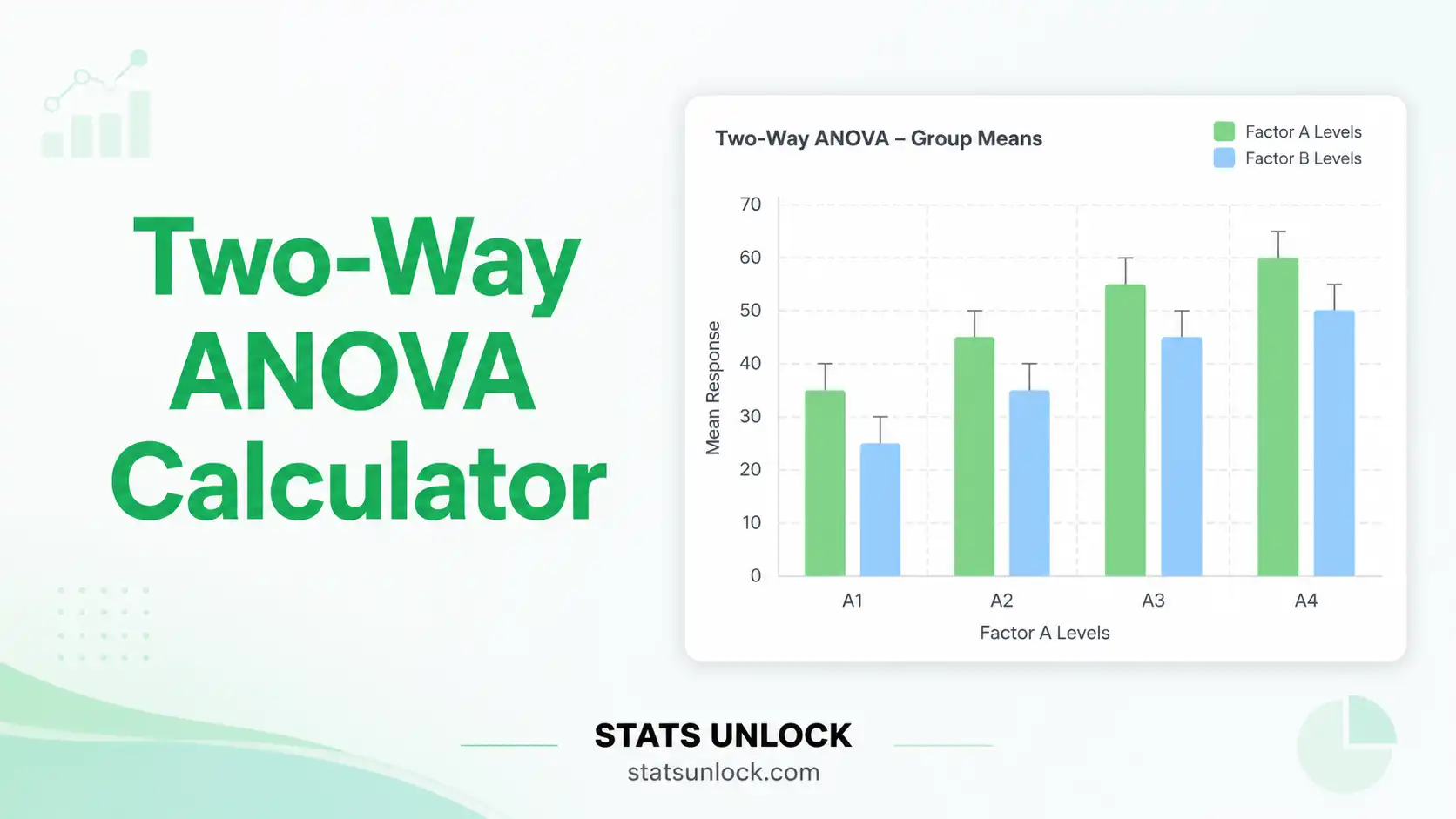

Two-Way ANOVA Calculator
Test the effects of two categorical factors and their interaction on a continuous outcome. Get F-statistics, p-values, partial η² effect sizes, interaction plot, Tukey HSD post-hoc, and five APA-ready reporting templates — free, no software needed.
Upload a CSV/Excel with three columns: Factor A (text), Factor B (text), and Response (numeric). Each row is one observation.
Two-Way ANOVA Formulas (Type III SS)
- Type III SS: Orthogonal partitioning — works correctly for balanced and unbalanced designs (SPSS default).
- Interaction priority: Check A×B first. If significant, interpret simple main effects rather than overall main effects.
- Partial η²p: Preferred in factorial designs. η²p values can sum to >1 across effects — this is expected.
- ω²: Less biased than η²; recommended for publication especially with small samples.
Two-way ANOVA tests: main effect of Factor A, main effect of Factor B, AND their interaction — simultaneously, in one analysis.
Decision Checklist
- ✅Exactly two categorical independent variables
- ✅Continuous dependent variable (interval or ratio scale)
- ✅Independent observations within and across all cells
- ✅Want to test for an interaction effect
- ❌Subjects appear in more than one cell → Mixed/Repeated-Measures ANOVA
- ❌More than two factors → Three-Way ANOVA / MANOVA
- ❌Severely non-normal small cells → Aligned Rank Transform ANOVA
Real-World Examples
Exam scores by teaching method (lecture, flipped, online) AND class size (small, large) — does the best method depend on class size?
Pain reduction by drug type (A, B, C) AND dose level (low, high) — does the optimal dose differ between drugs?
Plant height by fertiliser type AND watering frequency — does the optimal fertiliser depend on irrigation level?
Test scores by gender AND study method — does the most effective method differ for male vs female students?
What is two-way ANOVA and when should I use it?
Two-way ANOVA tests the effects of two categorical factors and their interaction on one continuous outcome simultaneously. Use it when you have two grouping variables and want to know: (1) Does Factor A matter? (2) Does Factor B matter? (3) Does the effect of A depend on the level of B (interaction)? It is more efficient than two separate one-way ANOVAs and is the only test that reveals interaction effects.
What is an interaction effect and why does it matter?
An interaction means the effect of Factor A changes depending on the level of Factor B. For example, a drug may work well at high doses but not low doses — and this dose effect may differ between drugs. Interactions are the unique contribution of two-way ANOVA. If the interaction is significant, the factors do not act independently and must be interpreted together using simple main effects analysis.
Should I interpret main effects when the interaction is significant?
When the interaction is significant, overall main effects can be misleading — they average the effect of A across all B levels, which may mask important differences. Best practice: if the interaction is significant, decompose it into simple main effects (the effect of A at each specific level of B). Main effects are most interpretable when the interaction is non-significant.
What is partial eta-squared (η²p) and why is it preferred?
Partial eta-squared (η²p) = SS_effect / (SS_effect + SS_error). It measures each effect's unique proportion of variance after removing all other effects. In factorial designs, η²p is preferred over η² because it isolates each effect's contribution. Cohen's benchmarks: small = 0.01, medium = 0.06, large = 0.14. Note: η²p values for all effects can sum to more than 1.0 — this is normal in multi-factor designs.
What are the assumptions of two-way ANOVA?
(1) Independence: each observation belongs to exactly one cell with no influence on others. (2) Normality: the DV should be approximately normally distributed within each cell; for n ≥ 15 per cell, CLT applies. (3) Homogeneity of variances: cell variances should be similar — check with Levene's test. (4) No extreme outliers. If variances are unequal, interpret with caution.
How do I report two-way ANOVA results in APA 7th edition?
For each effect: "A [significant/non-significant] main effect of [Factor] was found, F(df_effect, df_error) = ___, p [
What is a balanced vs unbalanced factorial design?
Balanced = equal n in every cell. It is simpler and maximises power. Unbalanced = unequal cell sizes (requires Type III SS, which this calculator uses by default). Severely unequal cells reduce power and increase sensitivity to assumption violations. Always report n per cell in your Methods section.
Can I use this for a 2×2, 2×3, or 3×3 design?
Yes. This calculator handles any fully crossed design with 2–4 levels per factor (up to 4×4). Enter data directly in the cell grid or upload a long-format dataset. The tool automatically computes the appropriate df, SS, MS, F, p-values, and effect sizes for any combination of levels.
- Fisher, R. A. (1925). Statistical methods for research workers. Oliver and Boyd.
- Tukey, J. W. (1949). Comparing individual means in the analysis of variance. Biometrics, 5(2), 99–114.
- Cohen, J. (1988). Statistical power analysis for the behavioral sciences (2nd ed.). Lawrence Erlbaum.
- APA. (2020). Publication manual (7th ed.). doi.org/10.1037/0000165-000
- Field, A. (2018). Discovering statistics using IBM SPSS (5th ed.). SAGE.
- Maxwell, S. E., & Delaney, H. D. (2004). Designing experiments and analyzing data (2nd ed.). Lawrence Erlbaum.
- Levene, H. (1960). Robust tests for equality of variances. In Olkin (Ed.), Contributions to probability and statistics. Stanford UP.
- Lakens, D. (2013). Calculating and reporting effect sizes. Frontiers in Psychology, 4, 863.
- Howell, D. C. (2012). Statistical methods for psychology (8th ed.). Cengage.
- R Core Team. (2024). R: A language and environment for statistical computing. R-project.org